Metadata Change Tracker overview
The Metadata Change Tracker watches your org's configuration and code. On every capture it takes a full snapshot of your metadata — objects, fields, Flows, Apex, validation rules, layouts, profiles, and more — and works out exactly what changed since the last capture.
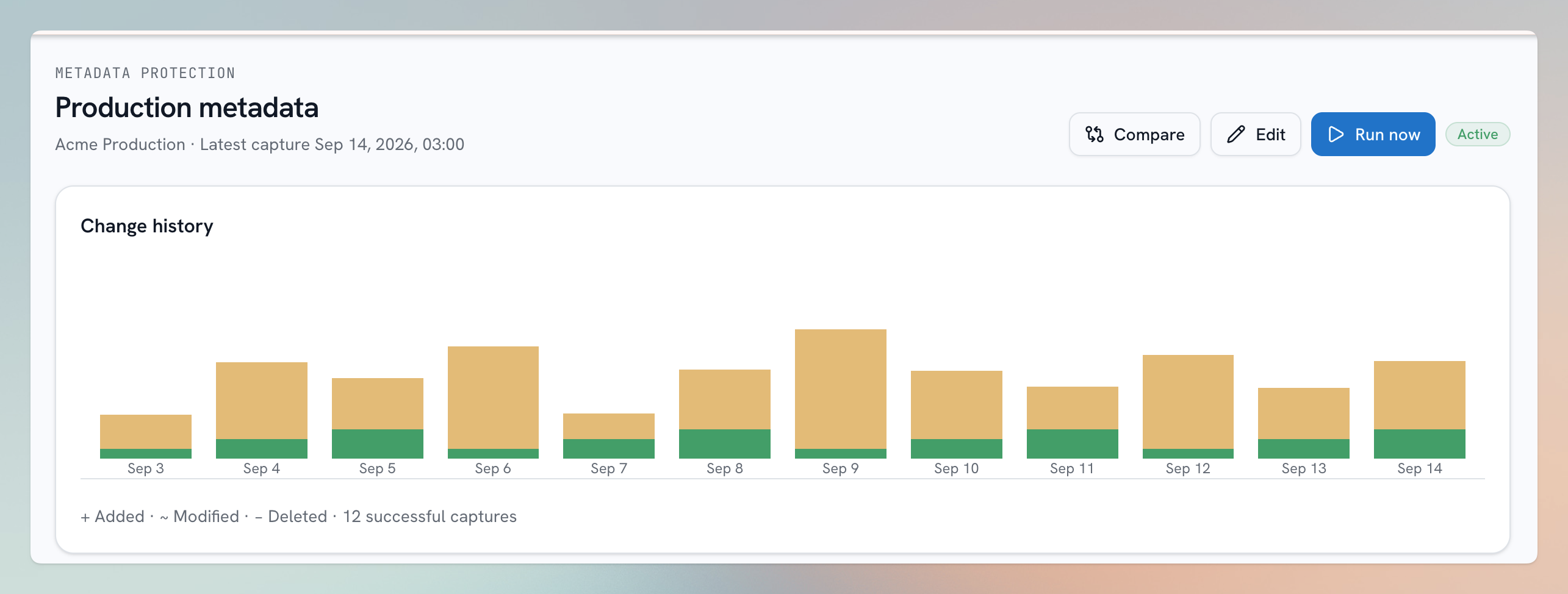
Illustration using sample data.
Why track metadata?
- "What changed?" — when something breaks, the first question is always what changed and when. The tracker gives you a readable, dated answer.
- Team awareness — multiple admins and developers change the same org; the tracker keeps everyone honest about what went in.
- Configuration backup — every capture is also a complete, browsable copy of your org's setup at that moment.
- Foundation for more — the Org Assistant and Security Center are built on the tracker's captures.
How it works
- Create a tracker for an org and set its schedule.
- Each run produces a capture (also called a build): a full snapshot of your metadata plus the list of changes — components added, modified, or deleted since the previous capture.
- Open any capture to review its changes with side-by-side diffs, browse the entire snapshot, compare components across orgs, or search inside your metadata's source.
The first capture is a baseline
Your tracker's first capture records the org's complete metadata but has nothing to compare against, so it lists no changes. Differences appear from the second capture onward.