Archive overview
Archive moves cold, rarely-accessed records out of Salesforce into low-cost storage — shrinking your Salesforce storage footprint while keeping every archived record accessible and restorable.
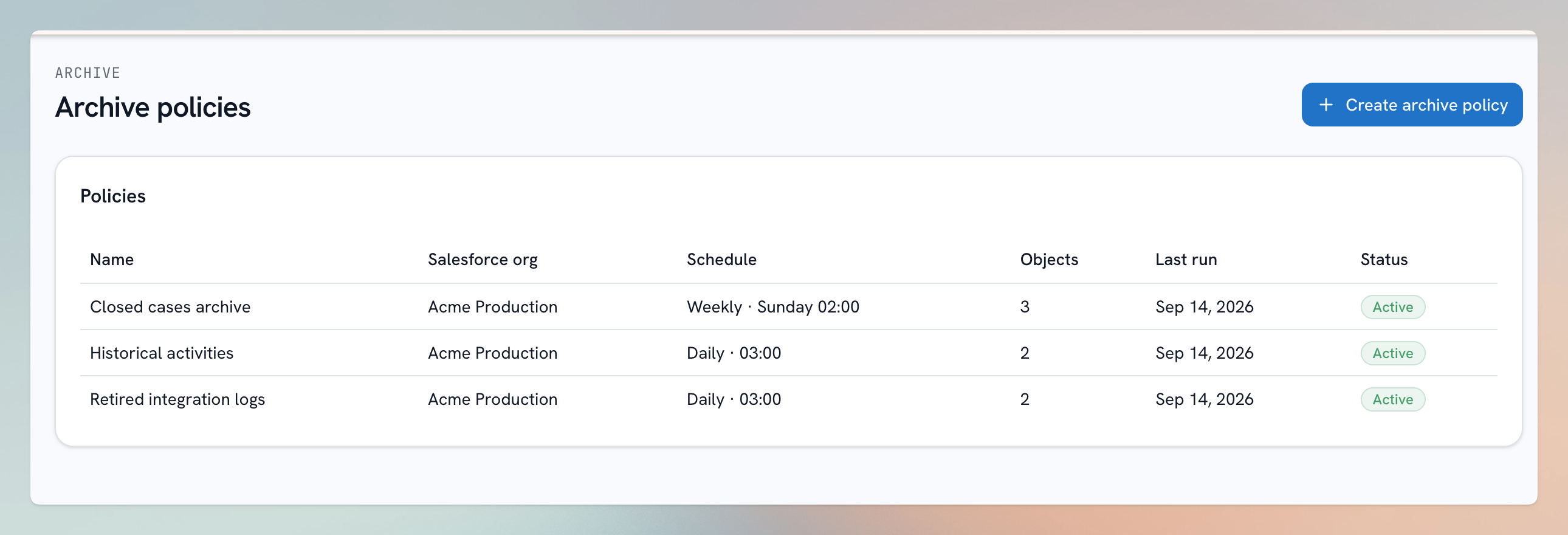
Illustration using sample data.
Why archive?
- Salesforce storage is expensive. Years of closed cases, old activities, and historical logs cost real money and can slow down reports, searches, and automations.
- Deleting isn't an option when retention policies or business users still need the data occasionally.
- Archiving gives you both: the records leave Salesforce, but they stay a click away in bluefactory — browsable, queryable, and restorable.
Capture, verify, then delete
An archive run always works in this order:
- Capture — the records in scope (and optionally their files) are copied to archive storage.
- Verify — the copy is checked to be complete and durably stored.
- Delete — only then are the records removed from Salesforce.
If anything fails to delete, the archived copy is already safe, and the run's report lists each record with Salesforce's exact error — so a retry is always safe.
Archive policies
You archive with a policy: a saved scope (which objects, which records) plus a schedule. A policy can run one time, or daily/weekly to sweep newly-eligible records on cadence — e.g. "every week, archive cases closed more than 2 years ago". Policies can be paused and resumed at any time.
What about the records' files?
A policy can optionally archive linked files too: a record's file is deleted from Salesforce only when its last linked record is archived — a file still shared with something outside the archive is always kept.
In this section
Not sure whether you need Archive or something else? See Backup vs. Archive vs. Purge.