Backup overview
bluefactory Backup captures automated, scheduled copies of your Salesforce data — records, files, attachments, and metadata — so you can recover from user error, bad data loads, integration bugs, or anything else that damages your data.
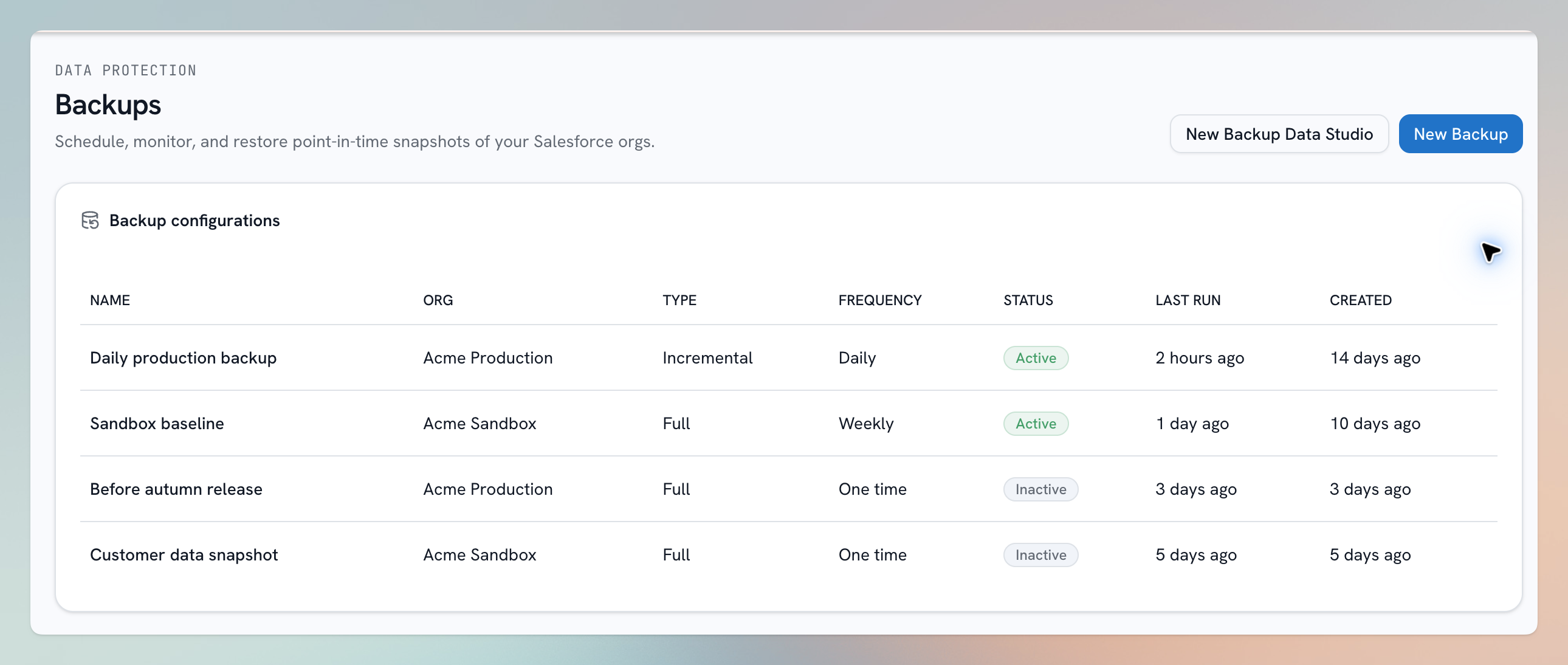
Illustration using sample data.
Why back up Salesforce?
Salesforce is highly reliable, but it can't protect you from your own side: an accidental mass delete, a bad import that overwrites thousands of fields, a misbehaving integration, or a departing admin's cleanup script. Salesforce's own recovery options are limited and slow. An independent backup gives you a point-in-time copy you fully control — accessible even when Salesforce is down.
What a backup captures
- Records — the data in your standard and custom objects.
- Files and attachments — Salesforce Files, attachments, documents, and static resources linked to your records.
- Metadata — the shape of your org at the time of the run, so snapshots stay understandable even after your schema evolves.
You decide the scope: everything, or specific objects with optional record filters. See Backup scope and filters.
How it works
- Create a backup — pick the org, the scope, the mode (full or incremental), and the schedule.
- bluefactory runs it automatically — each run produces a snapshot and a detailed per-object report.
- Use your snapshots — restore records, query them in the Query Console, compare runs, export to CSV, or download files.
Where snapshots are stored
Snapshots are encrypted in transit and at rest. By default they live in bluefactory's managed cloud storage; you can instead connect your own cloud storage so backup data stays on infrastructure you control — see Cloud Storage.